

For security reasons, we never send account passwords in plain text via email. To manage your ordered webhosting package, please follow the steps below.
Guide to Managing Your Webhosting Package
1. Open the Client Portal and log in
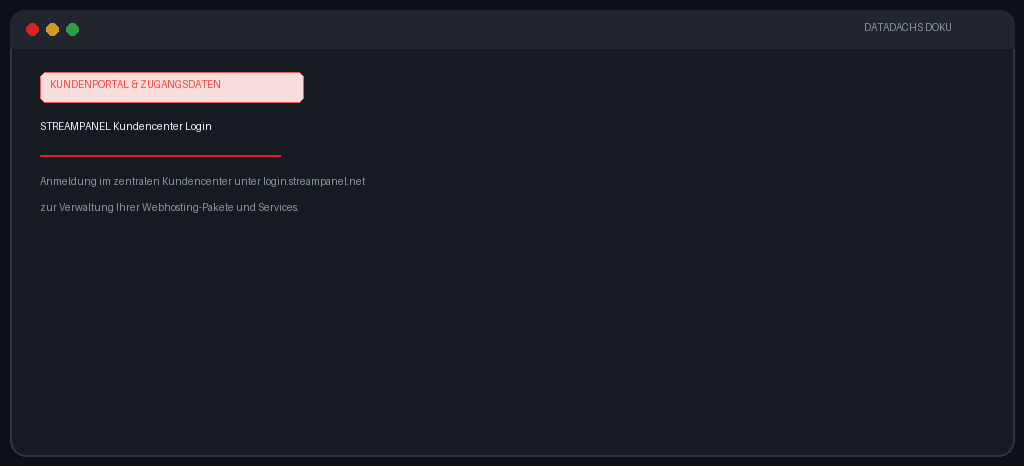 Schematic illustration for explanation. The actual interface may differ.
2. Navigate to the product overview
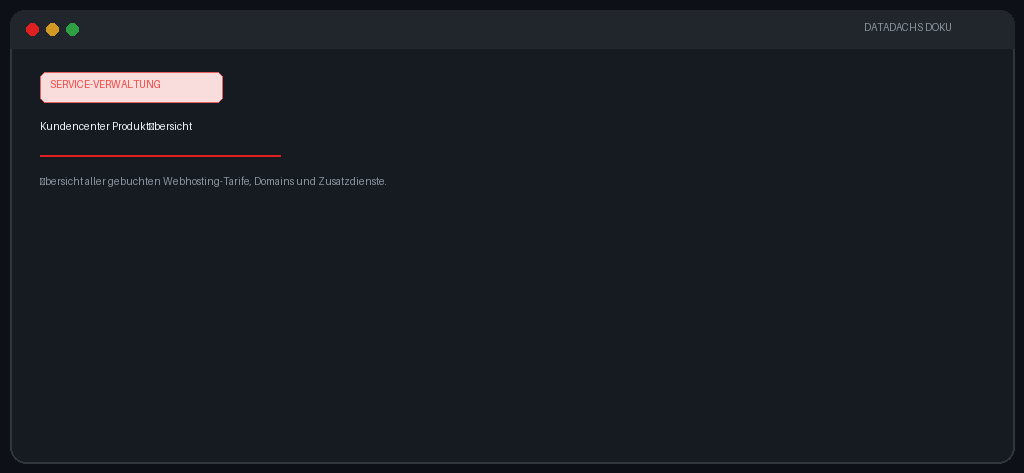 Schematic illustration for explanation. The actual interface may differ.
3. Open the product management page of your webhosting package
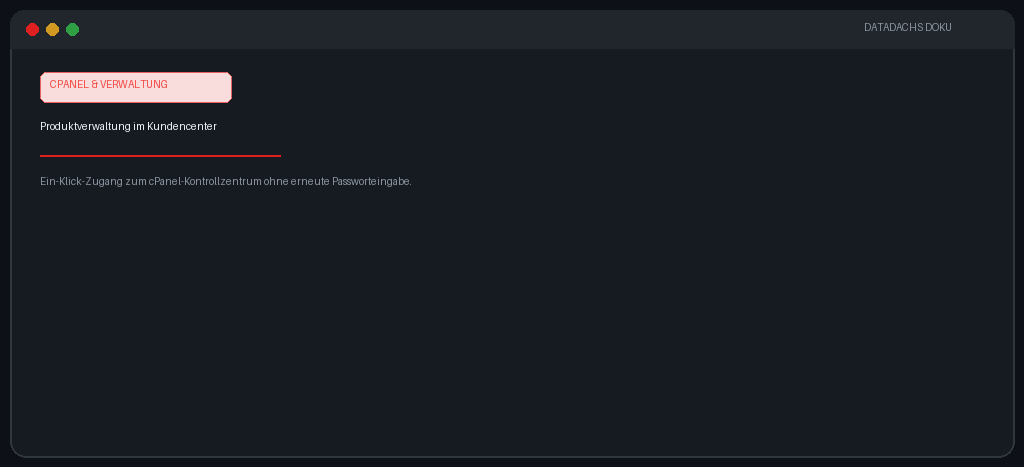 Schematic illustration for explanation. The actual interface may differ.
Inside the product management area, you can view all technical details and credentials or jump straight into cPanel via one-click login.
We generally recommend accessing your webhosting control panel directly through the client portal. This way, you do not need to memorize separate cPanel credentials while keeping your account maximally secure.